Image to Video AI: turn a photo into cinematic video
The full workflow for using an AI video generator from an image — which models to pick and how to get film-grade quality on the rented DGX Spark + RTX PRO 6000 studio.
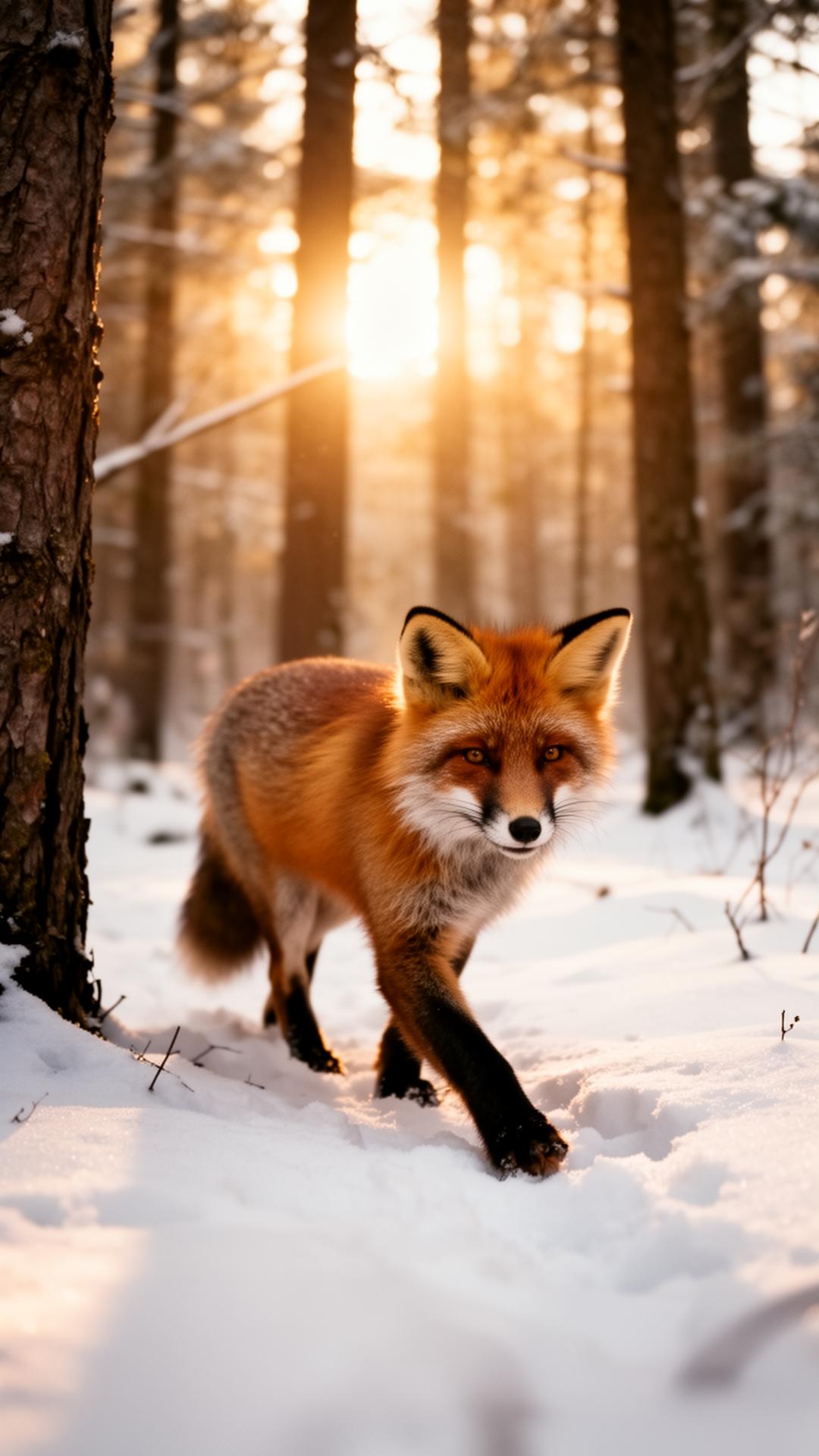
What is image to video AI?
Image to video AI is the process in which artificial intelligence takes a single image and generates a video clip where objects move naturally, the camera glides in or pans, and the light reacts to the motion. The result gets close to a frame from a professional production, without a crew or a physical set.
The most sought-after models for this right now (Luma Dream Machine, Runway Gen-3, Kling, Pika) are all available in Cinemama through a single interface — no juggling accounts and credits across different sites.
A 4-step workflow
1. Pick a strong reference image
Upload a frame with a clear composition, a main subject in focus and enough empty space for motion. Dark, high-contrast frames and well-lit product shots produce the best results.
2. Describe the motion and camera
Be specific: 'slow push-in on the face', 'parallax between the foreground and the mountains', 'slow-motion wind in the fur'. The AI video generator reads the prompt together with the image.
3. Pick an AI video model
For quick previews pick a lightweight model (3–5 sec, 720p). For a final cinematic look — a premium model with 4K and 24fps. Cinemama shows credits and time up front.
4. Generate, refine, add sound
The first generated frame is rarely the final one. Tweak the prompt, lock the seed and add sound or music straight inside the studio.
Why DGX Spark makes the difference
Most online image-to-video AI generators share the same GPU between thousands of users — queues, limits and compressed quality. In Cinemama you rent the whole studio: DGX Spark with 128 GB unified memory and RTX PRO 6000 with 96 GB VRAM, dedicated to your frames only.
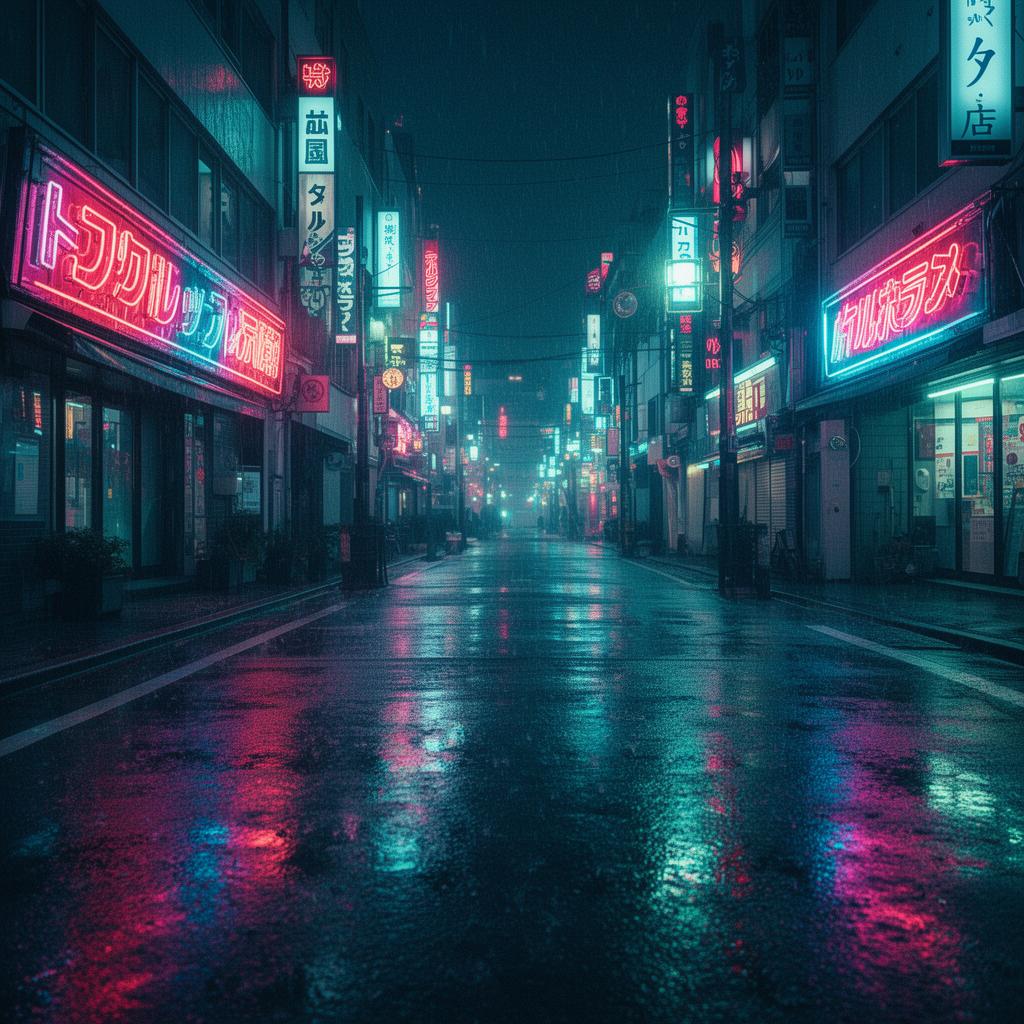
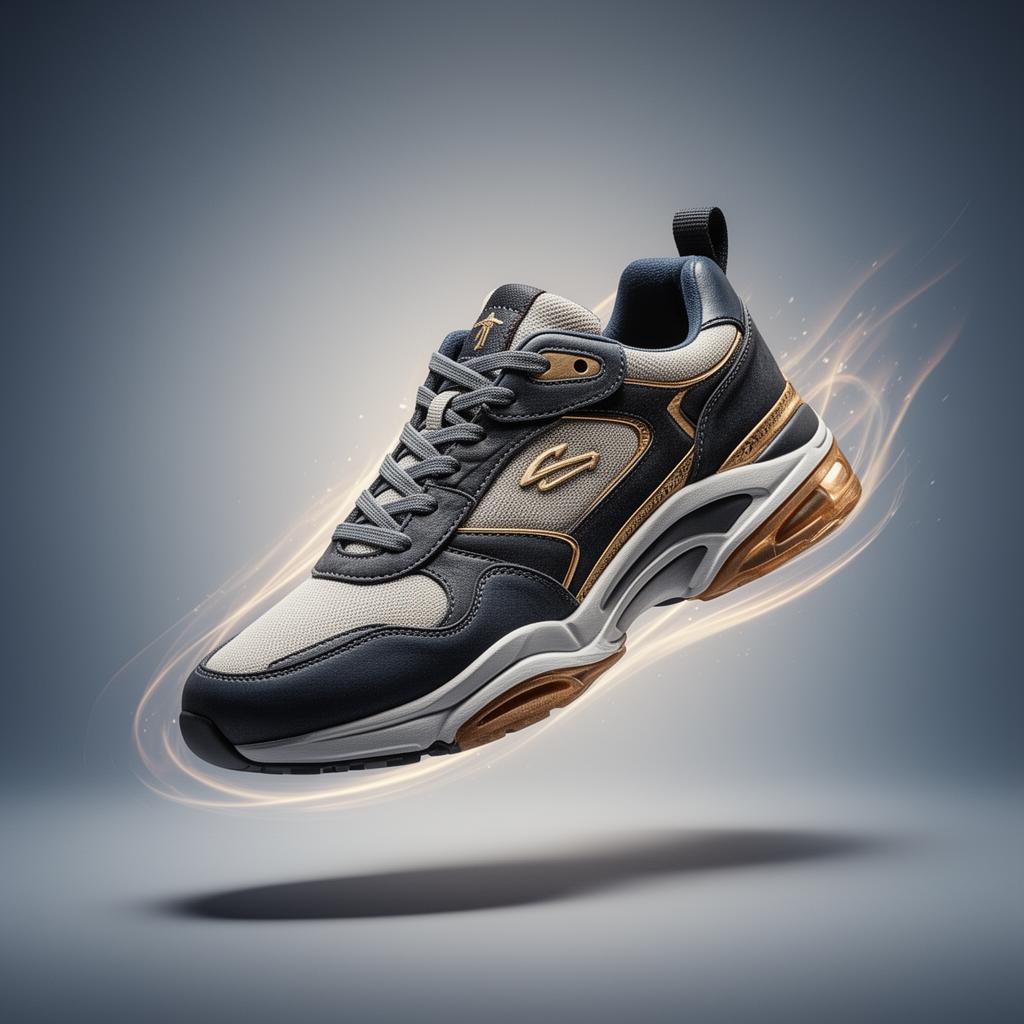
Examples: from image to video
Frequently asked questions
What is image to video AI?
A technology that takes a single image and generates a video clip with natural motion and a cinematic camera.
What is the best AI video generator from a photo?
It depends on the style. Cinemama brings Luma, Runway, Kling and Pika together in one studio on DGX Spark + RTX PRO 6000.
How long does one clip take?
A 3–6 second clip generates in 1–3 minutes. 4K and longer clips take more.
Do I keep the rights to the generated videos?
Yes. Rendering runs locally on the rented studio — the files stay yours.
Ready to animate your first photo?
Rent the Studio from €2/hour and run the image-to-video AI workflow on DGX Spark.